Driver Installation
Windows System
Check If CP210X Is Already Installed
ESP32-S3 uses CP210X for code downloading. Before using it, we need to install the CP210X driver on our computer.
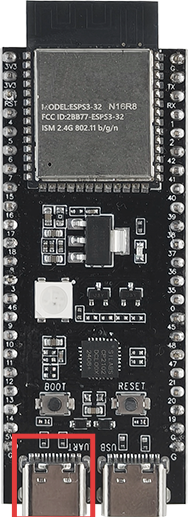
Connect your computer and ESP32-S3 with a USB cable (connect to the port indicated by the red box)
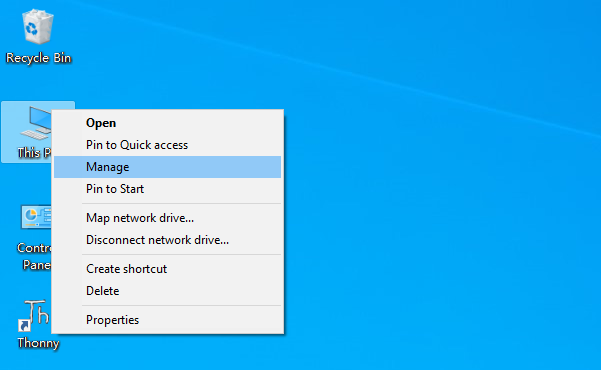
Go to your computer’s main interface, select “This PC” and right-click to select “Manage”.
Click “Device Manager”. If your computer has already installed CP210X, you will see “USB-Enhances-SERIAL CP210X (COMx)”. You can then proceed to the next step.
Installing CP210X
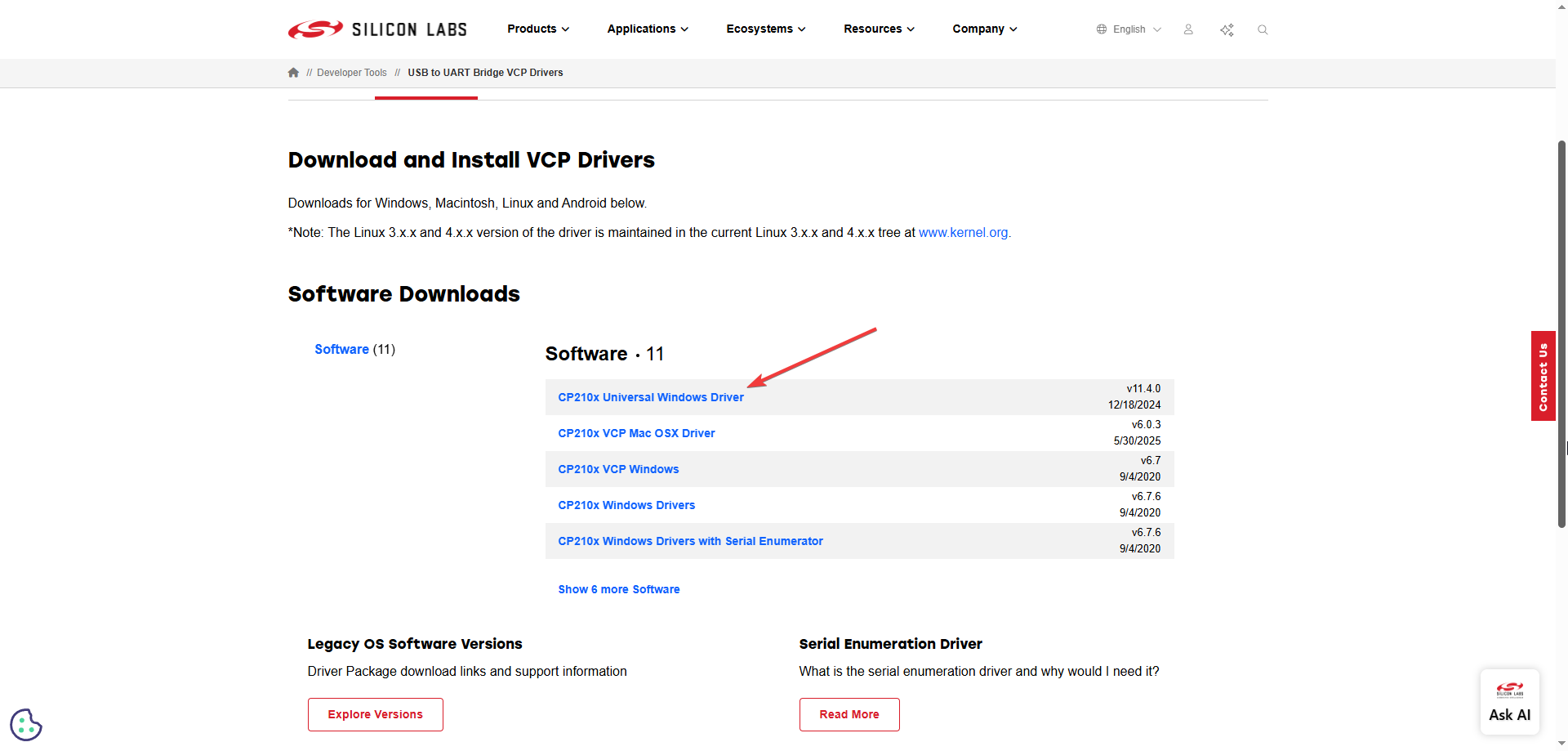
First, download the CP210X driver. Click here to download the appropriate driver for your operating system.
If you don’t want to download the installation package from the website, you can open “LAFVIN-AIoT-Starter-Kit/CP210X”, as we have already prepared the installation package.
You can install it following the video below
MacOS Firmware Upload
MacOS systems do not require separate driver installation; the system will automatically recognize CP210X devices.
For firmware flashing steps, please refer to: MacOS System Firmware Flashing